History
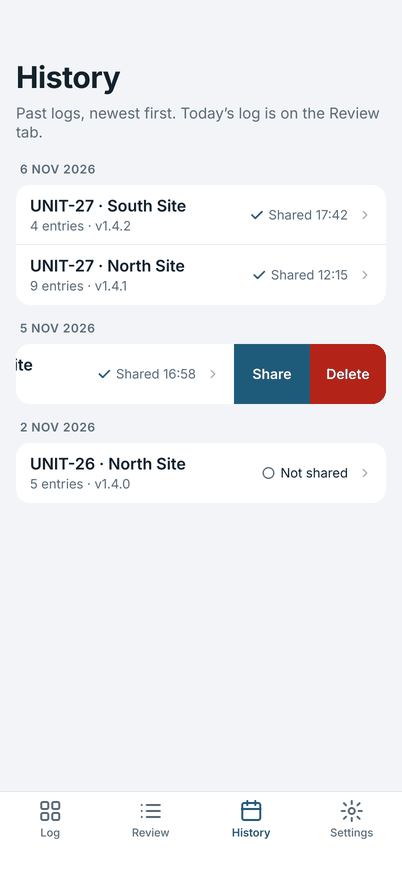
History lists past logs, newest first, with the unit, place, number of entries, software version and whether it was shared. Today's log is on the Review tab.
Open a past log
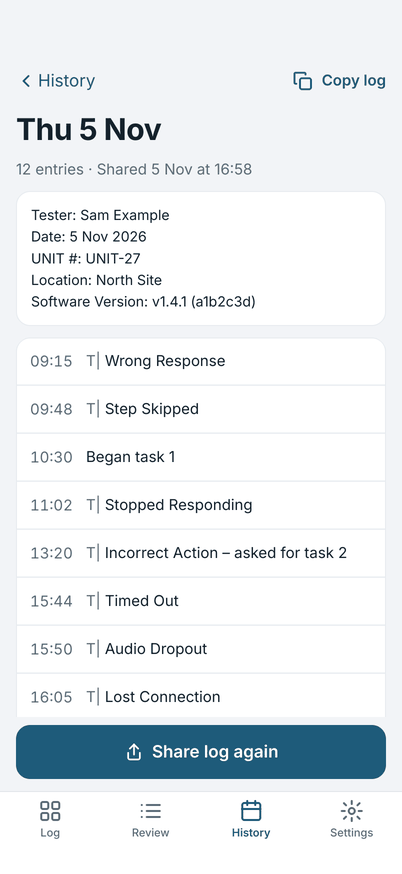
Tap a log to read it, in the same words as it was shared (a person's name in an observation shows in full here, and is written at the level you chose in Settings when you share again). You can edit an entry, copy the log, or tap Share log again. A log changed after its last share shows Changed since sharing until you share it again.
Share or delete from the list
Swipe a log left in History for Share and Delete.
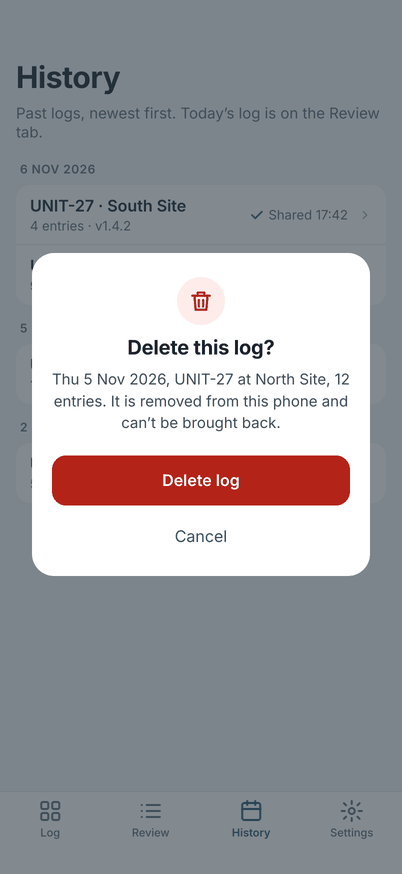
Delete asks first. A deleted log is removed from this phone and can't be brought back.
What is kept
Past logs stay on the phone until you delete them. They are not sent anywhere (Privacy). Importing a new setup does not touch them.